How do I refer a friend and redeem my benefits?Updated 7 months ago
Step 1: Click on the Rewards icon located in the lower-left corner of the website.
Step 2: Sign in with your account credentials. If you don’t remember your login details, click on Forgot Password to reset them.
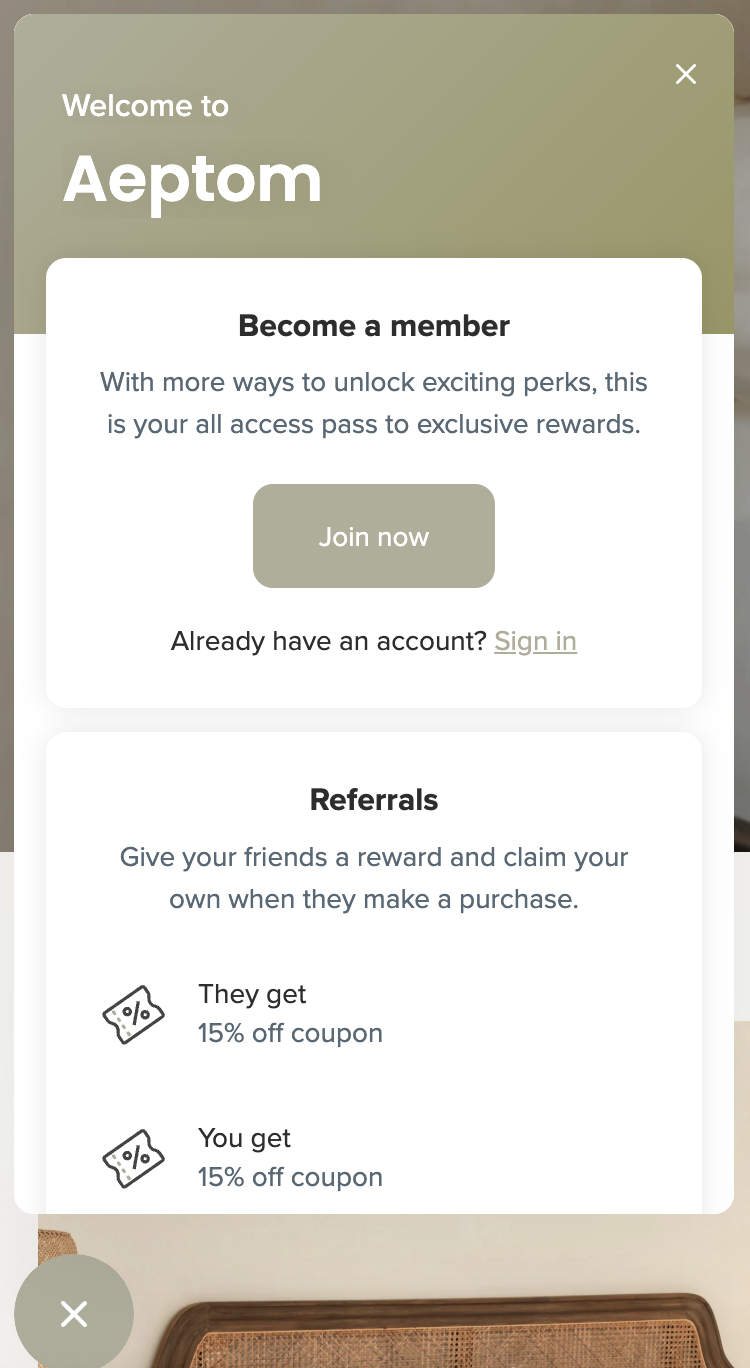
Step 3: Once logged in, click the Rewards button again in the lower-left corner of the website.
Step 4: Copy your unique referral URL and share it with your friends. When your friend clicks the link, they will be prompted to enter their email address to receive a unique discount code.
Step 5: Once your friend completes a purchase, you can view your earned rewards by clicking on the Rewards button again in the lower-left corner of the website, under 'Your Rewards'.
For every friend you successfully refer, you will receive one 15% discount code. For example, if you refer two friends successfully, you will see two 15% discount codes displayed under your rewards summary.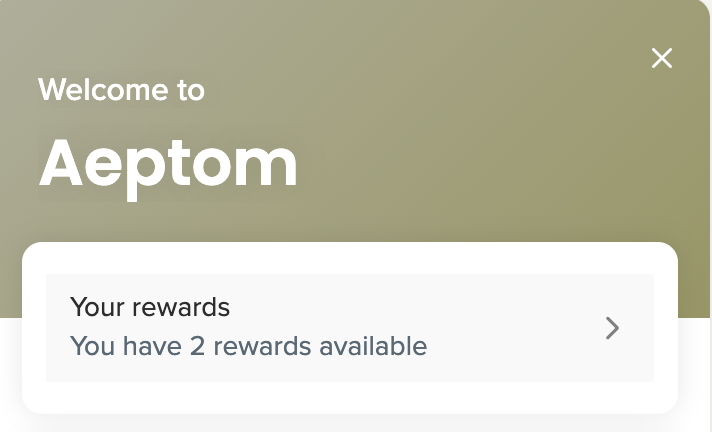
If you have any questions, please do not hesitate to contact [email protected] for further assistance.